Messenger account disabled warning is a major headache, especially when you rely on it for work or staying in touch with family. Whether it’s a policy misunderstanding or a technical glitch during an account update, you aren’t out of luck yet. In this updated 2026 guide on Facebook Messenger disabled, we’ll walk you through the 2 most effective ways to restore your access and get back to your conversations.
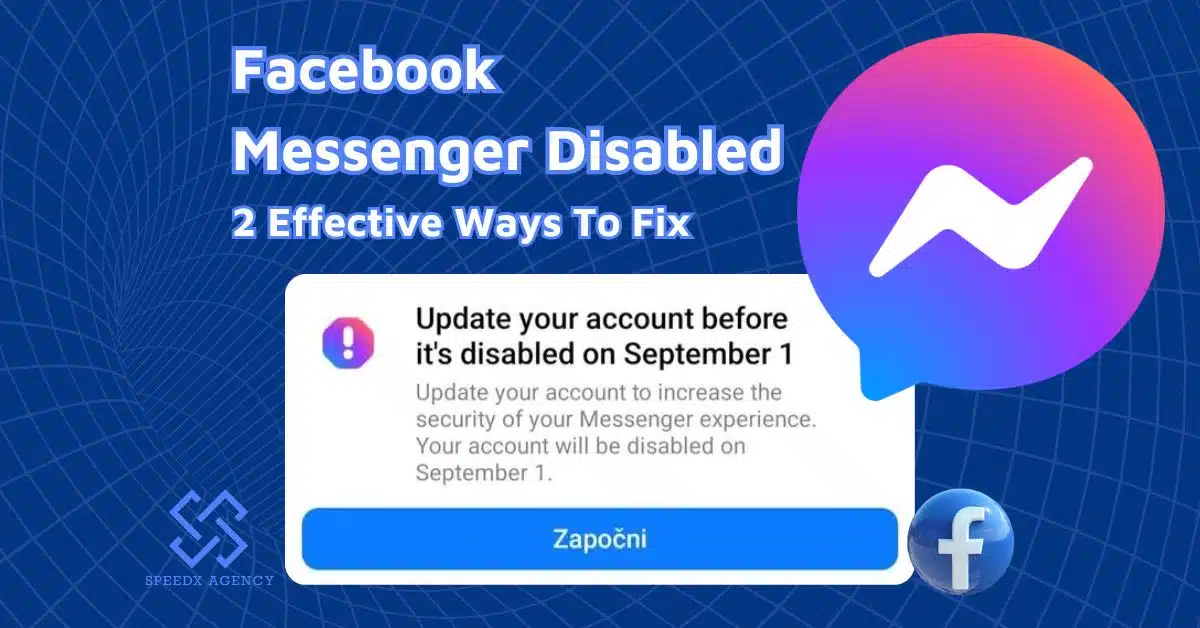
Table of contents
Why Is Your Facebook Messenger Disabled?
Before we go further to explore the solutions, it’s essential to explore the cause: Why is Facebook Messenger disabled?
Basically, there are two main reasons for this issue.
You are using a Messenger-only account
A lot of people received this notification when opening their Messenger app: you need to update your account to improve its security, or it will be disabled.
If you see this notification too, then the reason for your Facebook Messenger being disabled is that you are using a Messenger-only account.
What is a Messenger-only account?

In the past, Facebook allowed users to sign up for Messenger without creating a Facebook account. Creating a Messenger-only account was really simple. All you needed to do was to provide a name, a phone number, and a photo. Therefore, many people enjoyed this option and skipped creating a Facebook account.
However, recently, Facebook announced that if users don’t update their Messenger-only account to a DEMA (an abbreviation for Deactivated Except Messenger Account), they will have their Facebook Messenger disabled, and cannot access Messenger anymore.
What is a DEMA?
DEMA stands for Deactivated Except Messenger Account. In order to use Messenger without an active Facebook account, you’ll need to create a Deactivated Except Messenger Account (DEMA). DEMA is a type of account that allows you to use Messenger without having an active Facebook account.
When you have a DEMA:
- You can still chat with friends on Messenger.
- Your picture will only be visible in your conversations on Messenger.
- Other people can search for you in Messenger and send you a message.
- You won’t be searchable on Facebook.
- You’ll have a deactivated Facebook profile that you can activate at any time.
- You’ll need to confirm your date of birth and may be asked to create a password for account security.
- Parental supervision is not available.
With a DEMA, you can still chat with your friends in the Messenger app or Messenger.com, and people can search for and reach out to you on Messenger as well. However, they won’t be able to search for you on Facebook.
Meanwhile, you can activate your Facebook account at any time as per your wish.
You don’t follow Facebook Community Standards

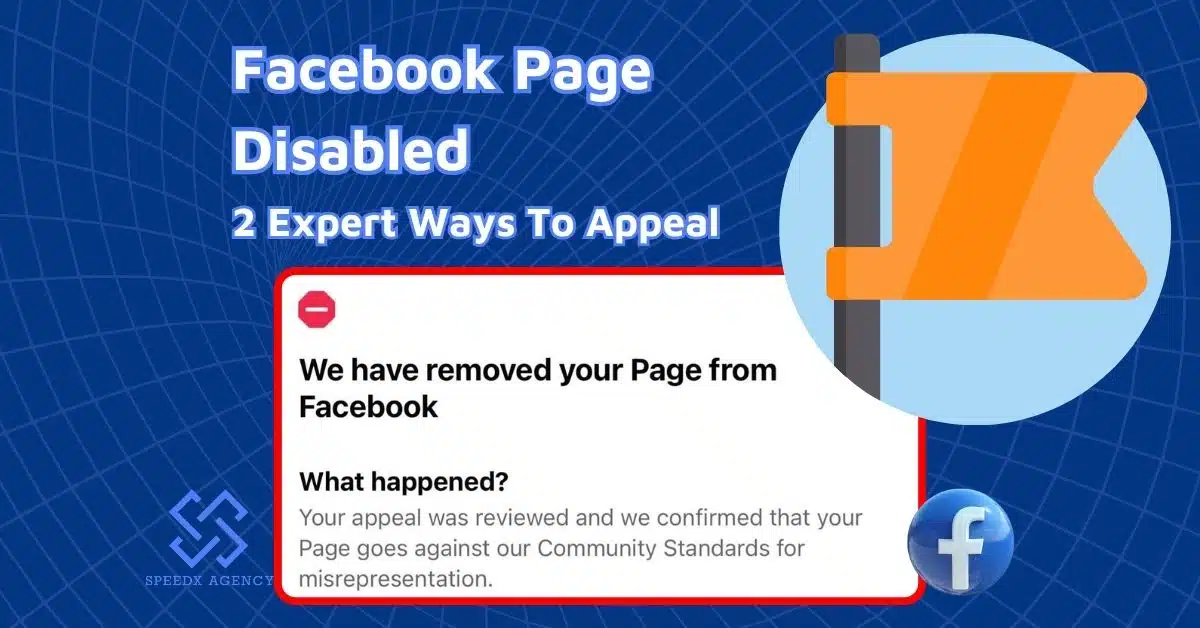
Your Messenger account may also be disabled if you don’t follow Facebook’s community standards. You will also see a message about that when attempting to log in.
Here are some types of violations you may get involved:
- Posting, sharing, sending violating content, such as hate speech, violent content, nudity content, abuse content, harassment content, discriminatory content, etc.
- Using a fake profile, which can make both your Messenger account and your Facebook account disabled
- Pretending to be someone else also seriously violates Facebook terms. You will lose access to your Messenger and Facebook accounts for this.
- Usual activities, such as suspicious logging patterns, posting or liking excessively, can trigger Facebook’s security systems to disable your account.
- Being reported for scamming or phishing activities can also make your Facebook Messenger account disabled.
>>> Related: Facebook Ad Account Disabled: Reasons And 5 Expert Methods To Fix
2 Easy Ways To Fix Facebook Messenger Disabled 2026
Update your Messenger-only account to a DEMA/Messenger-only section

If you have your Facebook Messenger disabled due to a Messenger-only account, then all you need to do is update your existing account to a DEMA via the Messenger app for iPhone and Android. Here’s how to update your Messenger-only account in the Messenger app:
Step 1: Launch your Messenger app on your phone.
Step 2: Open Messenger and tap Settings (your profile picture).
Step 3: Scroll down to Account Center.
Step 4: Look for the “Account Status” or “Update Required” notification.
Step 5: Follow the identity verification prompts (Meta now uses more AI-driven facial verification or ID uploads).
After updating, you can continue using Facebook Messenger on both mobile and desktop.
Important note: You have 90 days to update to a DEMA since you receive a notification. After that time, you will lose access to your Messenger. Then, you still have an addtional 60-day period to take action before Facebook delete your account permanently.
File an appeal
In case you believe that Facebook’s decision for your Facebook Messenger disabled is a mistake, you can file an appeal to reclaim your Messenger account.
Here’s how to appeal for Facebook Messenger disabled.
Step 1: Open the Messenger app on your phone or desktop.
Step 2: Enter your username and login password
Step 3: Follow the whole instructions on the screen to submit your appeal.
Step 4: Fill out the appeal form with the required information. You may have to provide your email address, a photo of your ID, and describe why you are sending your appeal.
Protip: Write your appeal in polite language, be descriptive and to the point when mentioning your issue.
Step 5: Wait for a response and reactivate your Messenger account.
If Facebook accepts your appeal after reviewing, you can log in to your Facebook Messenger disabled account again.
Note: You generally have 180 days from the day you see the “Account Disabled” notification to submit a request for review. If you miss this window, your account may be permanently disabled and impossible to recover.
>>> Related: 4 Best Tips To Win A Facebook Disabled Appeal
Conclusion
In this article, we’ve discovered 2 ways to resolve the Facebook Messenger disabled issue. I hope that with these comprehensive guidelines, you can reclaim your access and carry on with meaningful conversations with your friends, colleagues, and clients on Messenger. Remember to take prompt action, because the time to regain your Messenger account is limited. If you still have any problems with your account, you can contact the SpeedX Agency Expert Team. We are always willing to help you overcome your challenges and thrive on Facebook.